The brief
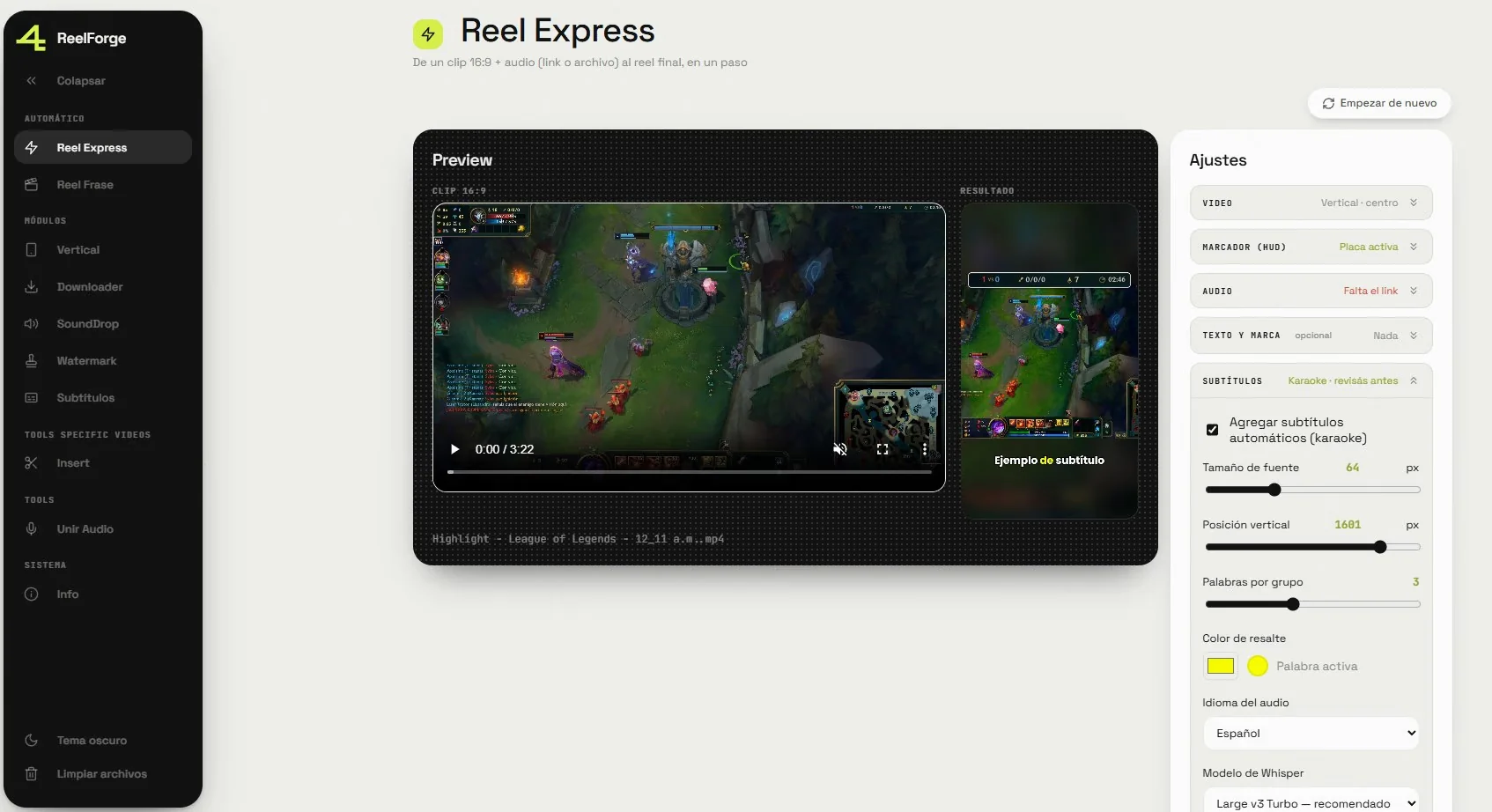
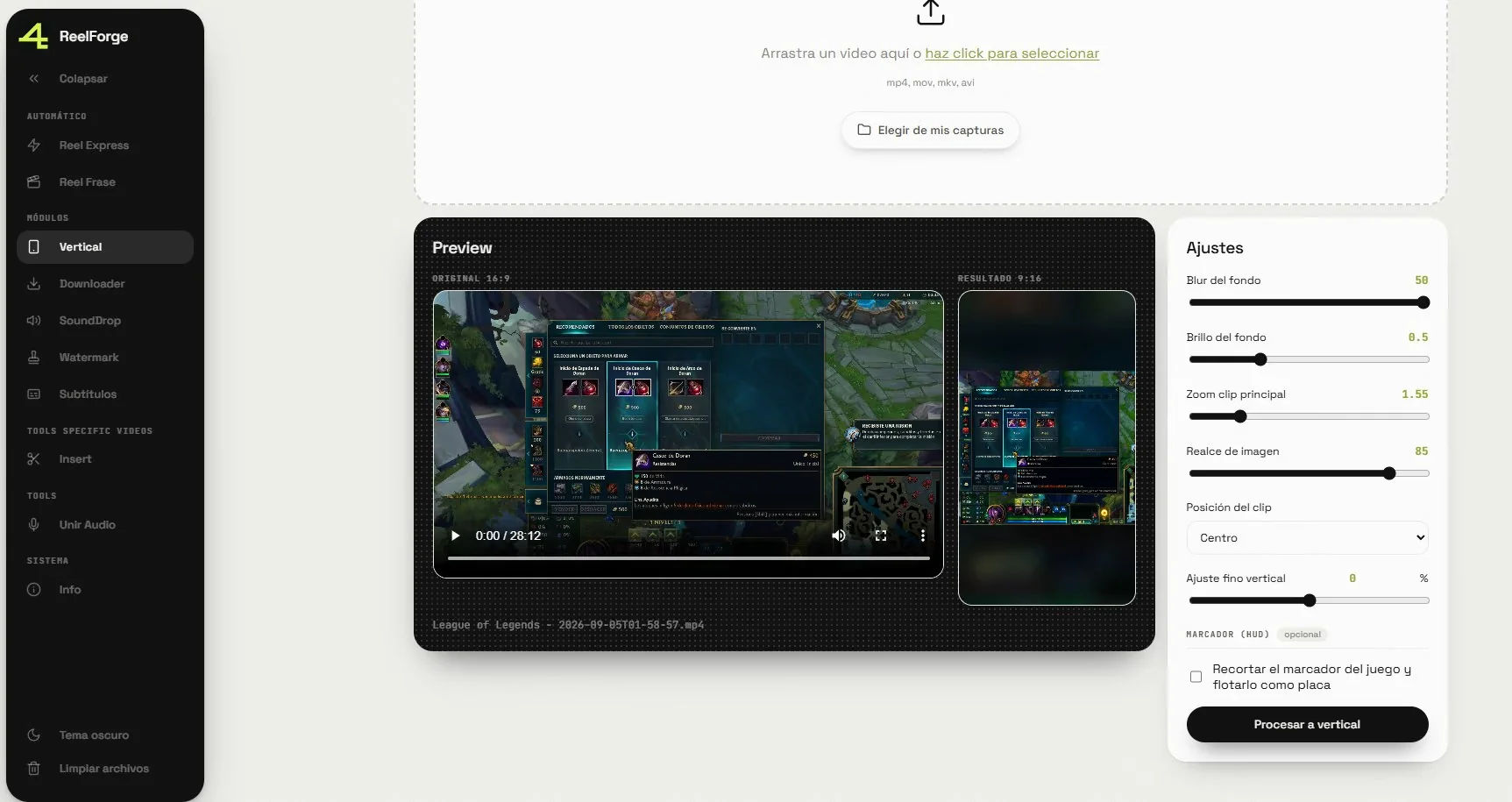
Mine as well. I produce short video, and every piece needed the same preparation: take a horizontal clip, make it vertical, lay audio over it, add a watermark and burn in subtitles. Doing that by hand in a general-purpose editor, over and over, was time that never came back.
It is the tool I produce the background footage for my videos with; its measuring counterpart is Reels Analytics.
The problem
The temptation was to build a timeline editor. It would have been a mistake: I do not need to edit, I need to apply the same transformations every time. A general editor forces me to repeat decisions I have already made.
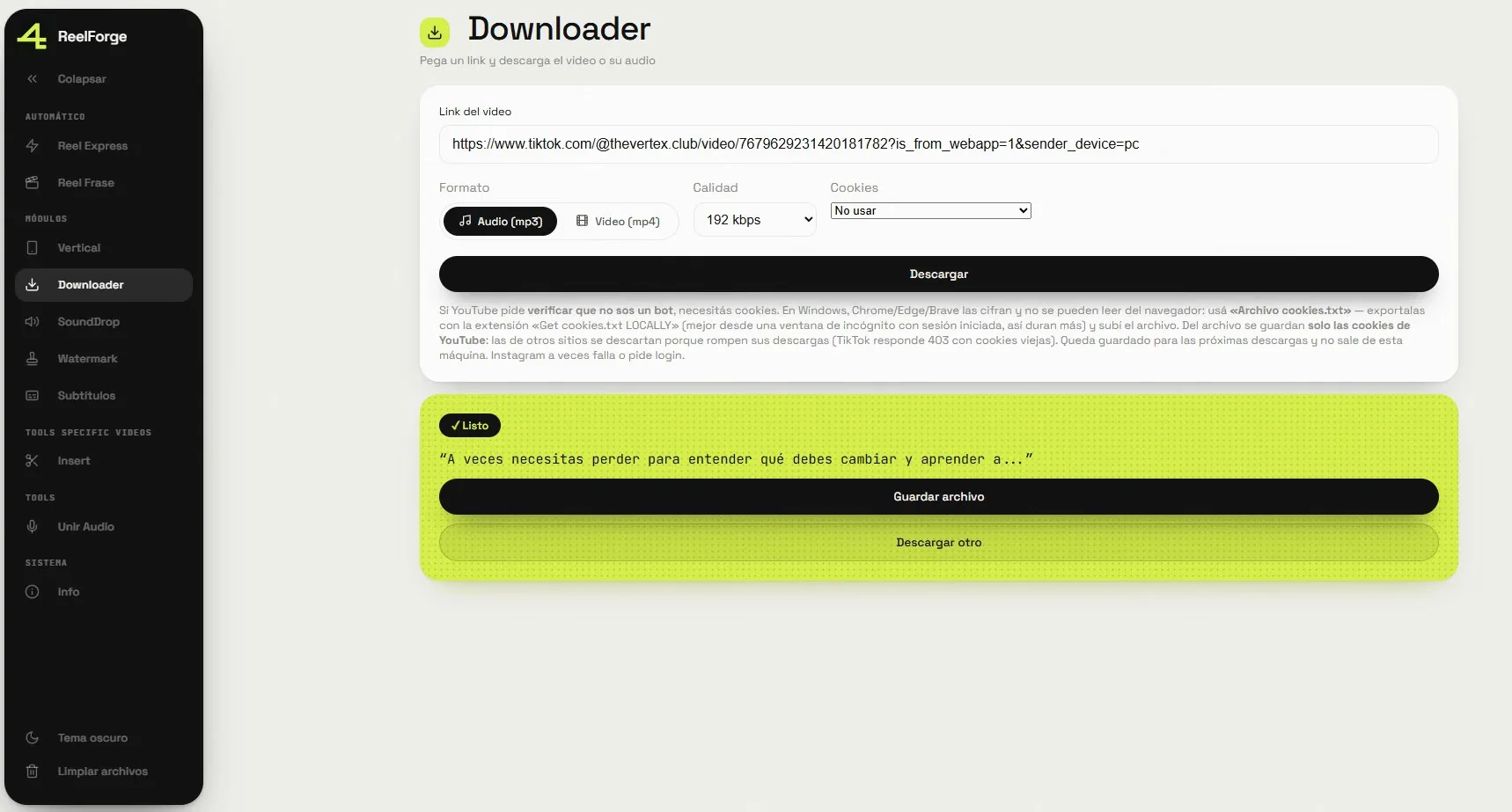
The other problem is that downloading video from the platforms is an arms race. YouTube demands solving JavaScript challenges, Windows encrypts the browser's cookies, and TikTok has windows where it simply blocks you. What worked last month stops working.
The decision
No timeline: a collection of modules, each solving one concrete transformation, plus two that chain several into a single step. All of them follow exactly the same internal structure — validate, process, expose — so adding a new one means replicating a pattern instead of deciding from scratch how to organise it.
Every FFmpeg call goes through a single point. That kept the process handling and error parsing from being repeated ten times, and it allowed something I had not planned: merging passes. Making a clip vertical and watermarking it in one operation saves a full decode-and-re-encode cycle, and with it a generation of quality loss.
Everything runs locally. Nothing is uploaded to any cloud.
The result
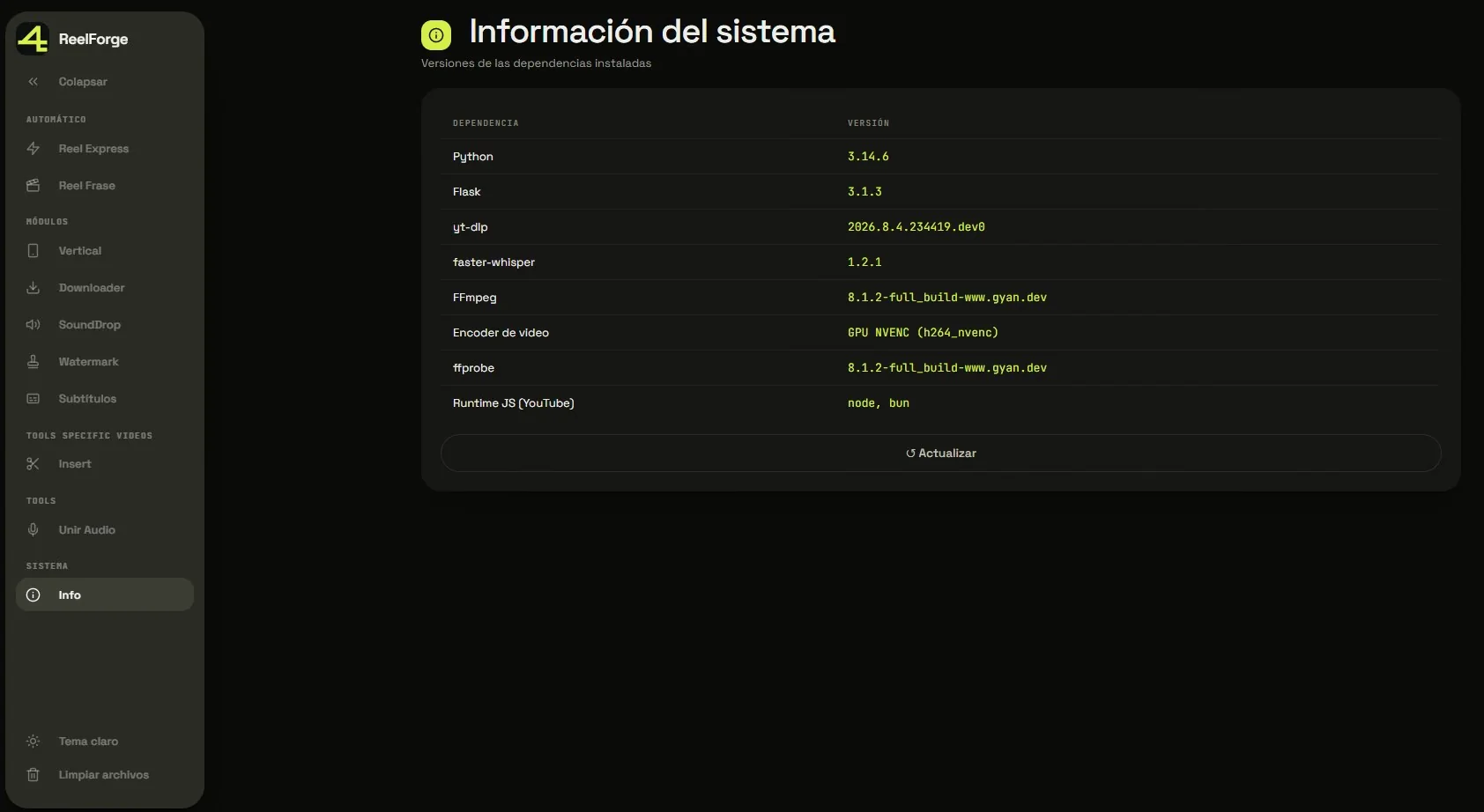
Ten modules and two complete chains, in real use to produce my content. Automatic transcription with subtitles you can edit before burning them in, GPU-accelerated — about 5.6 times faster — with a double safety net back to CPU. Platform downloads were hardened with retries, filtered cookies and client switching.
And this is where the lesson that has served me most in everything else I build came from. The GPU path had an automatic fallback to CPU, invisible and silent. It stayed off for months without anyone noticing — the check failed because of one frame smaller than the encoder's minimum and an emoji that blew up in the Windows console. The system kept working, only slowly.
Since then I work by one rule: a silent fallback is not a fallback, it is a failure you have not seen yet. If something can degrade on its own, it has to say so.